
Choose YAREEL 3D™ or Classic on the download page first. Download starts only when you select an APK. Then follow the installation steps below.
Classic has no 64-bit APK and is not supported on Android 14 or later. Choose YAREEL 3D™ for newer Android devices.
The screenshots illustrate installation. Menu names and notifications may differ depending on your Android version and device.
1. Tap Download in the Chrome download notification at the bottom of the screen.
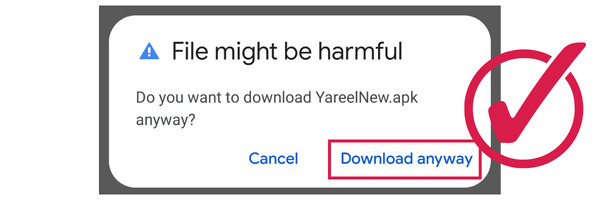
2. Tap Open in the notification.
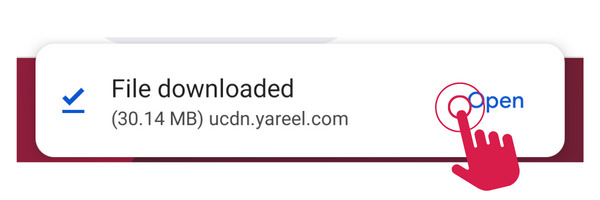
3. Open settings to allow installation.
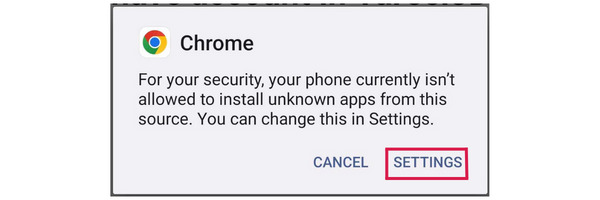
4. Turn on the switch to allow installation.
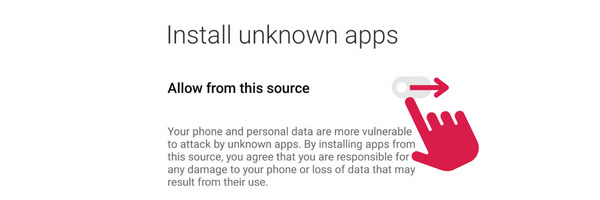
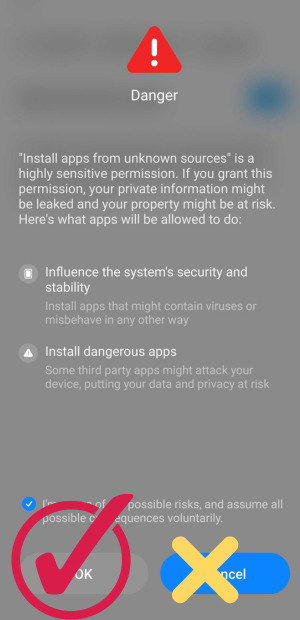
5. Check the checkbox and tap OK.
This APK is provided by Yareel.
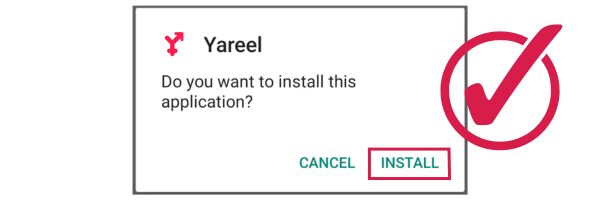
6. Then tap Install.
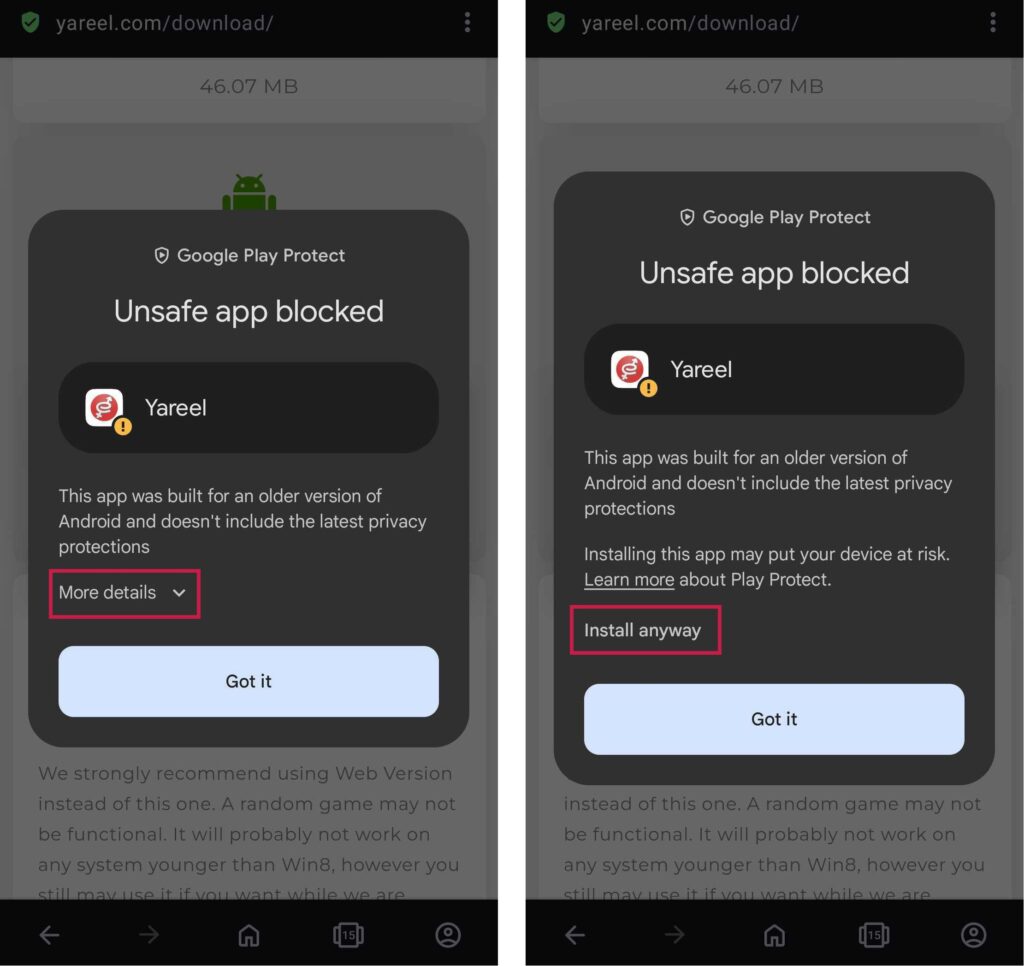
If you encounter a warning like the one below, tap on “More details” and then “Install anyway”
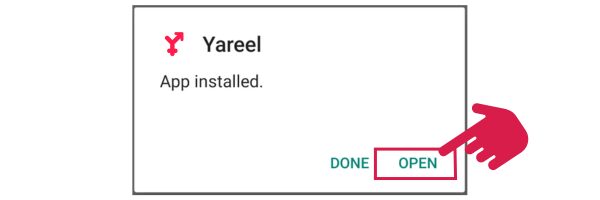
7. And when the installation is complete, open the game.
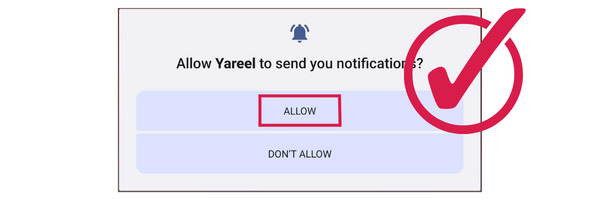
8. Enable notifications.
9. Enjoy playing!
If you have any installation problems, feel free to contact support.