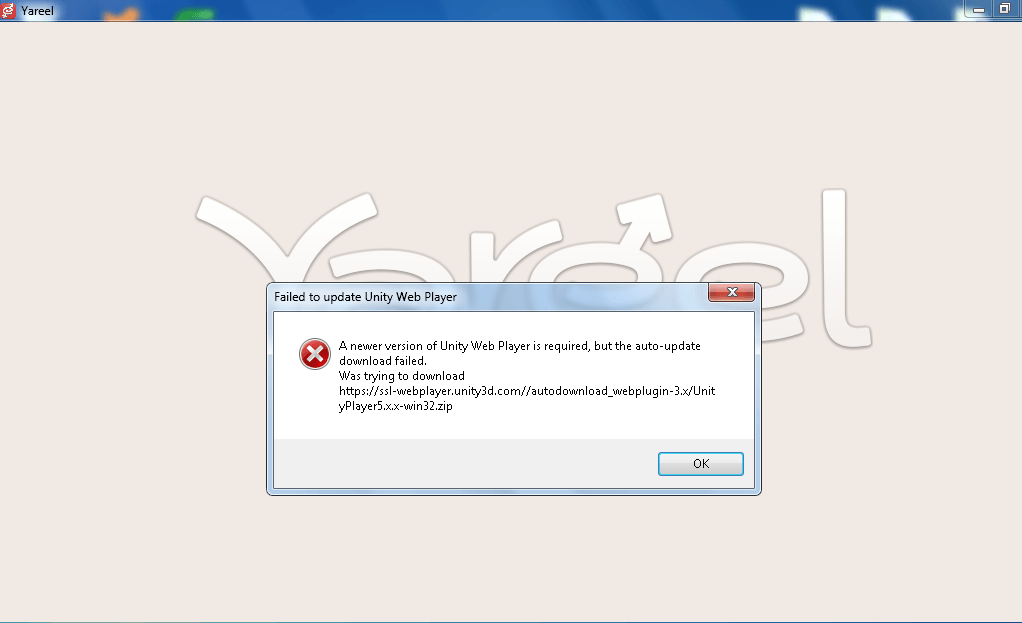


This page originally described a Unity Web Player update problem in 2019. That browser plug-in is no longer supported by Unity. Installing it or deleting Unity folders from AppData is not a fix for the current browser version of Yareel.
How to launch Yareel now
Open the official download page and choose the browser or app option for your device. The current browser version does not require the old Unity Web Player plug-in.
Classic and the new client
Yareel Classic remains supported. It is a separate client generation, not the discontinued Unity Web Player plug-in. Features specific to the new client, including voice calls, require the new client.
If the browser version does not load
Try an up-to-date browser and reopen the game from the official page. If the problem continues, record the error message, browser version and device details before contacting support. Do not follow the former instructions to remove Unity folders or install archived browser plug-ins.
Archived screenshot
The image below belongs to the original 2019 instructions; it does not show the current installation process.