


To change profile photo click “Add photo”
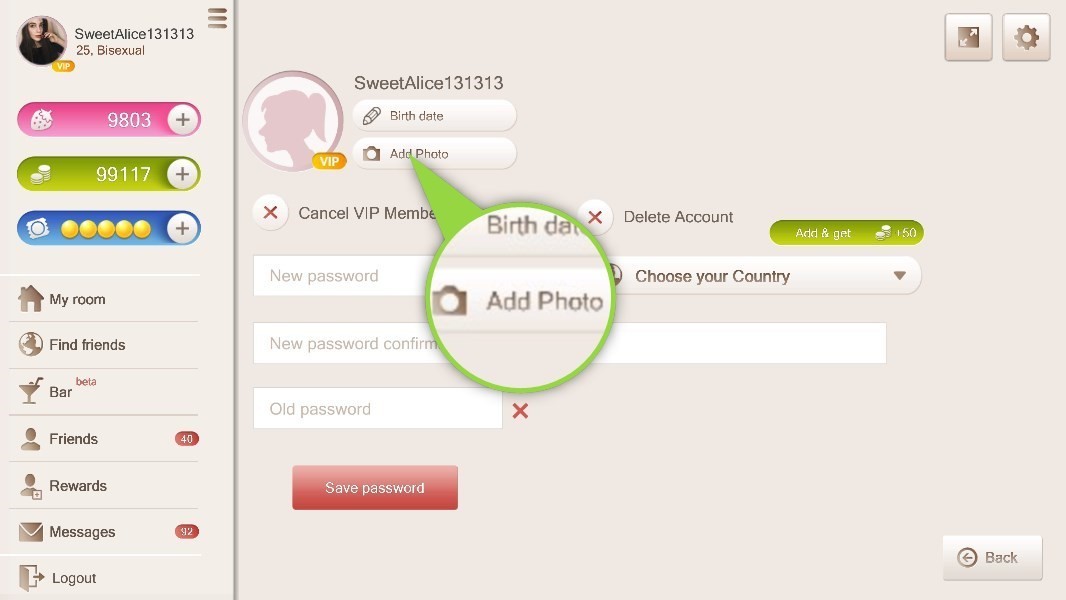
“Add photo” icon
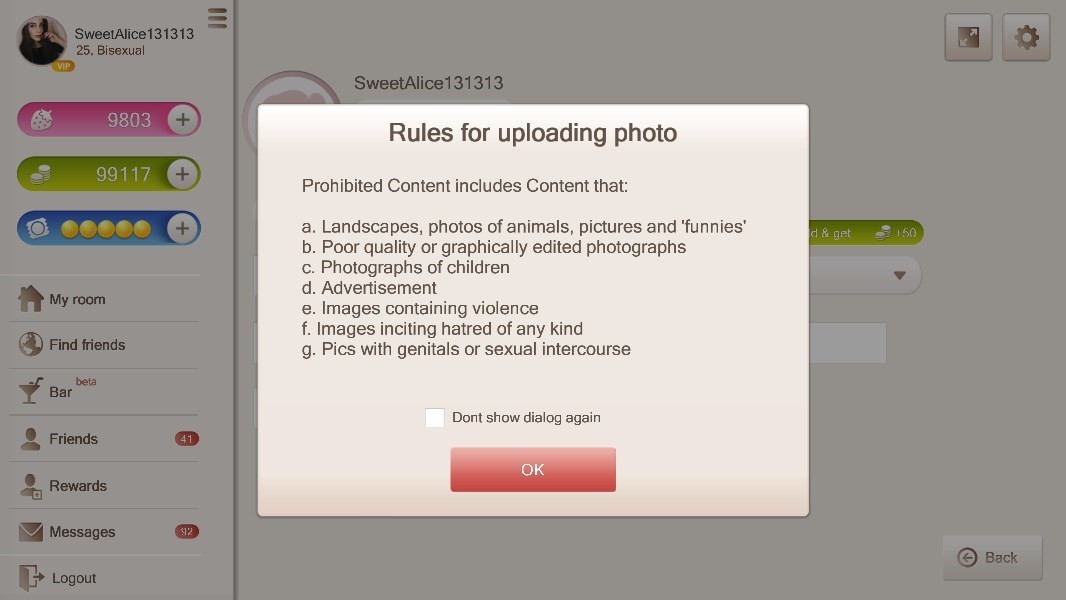
Read the photo upload rules in the pop-up window before choosing a file.
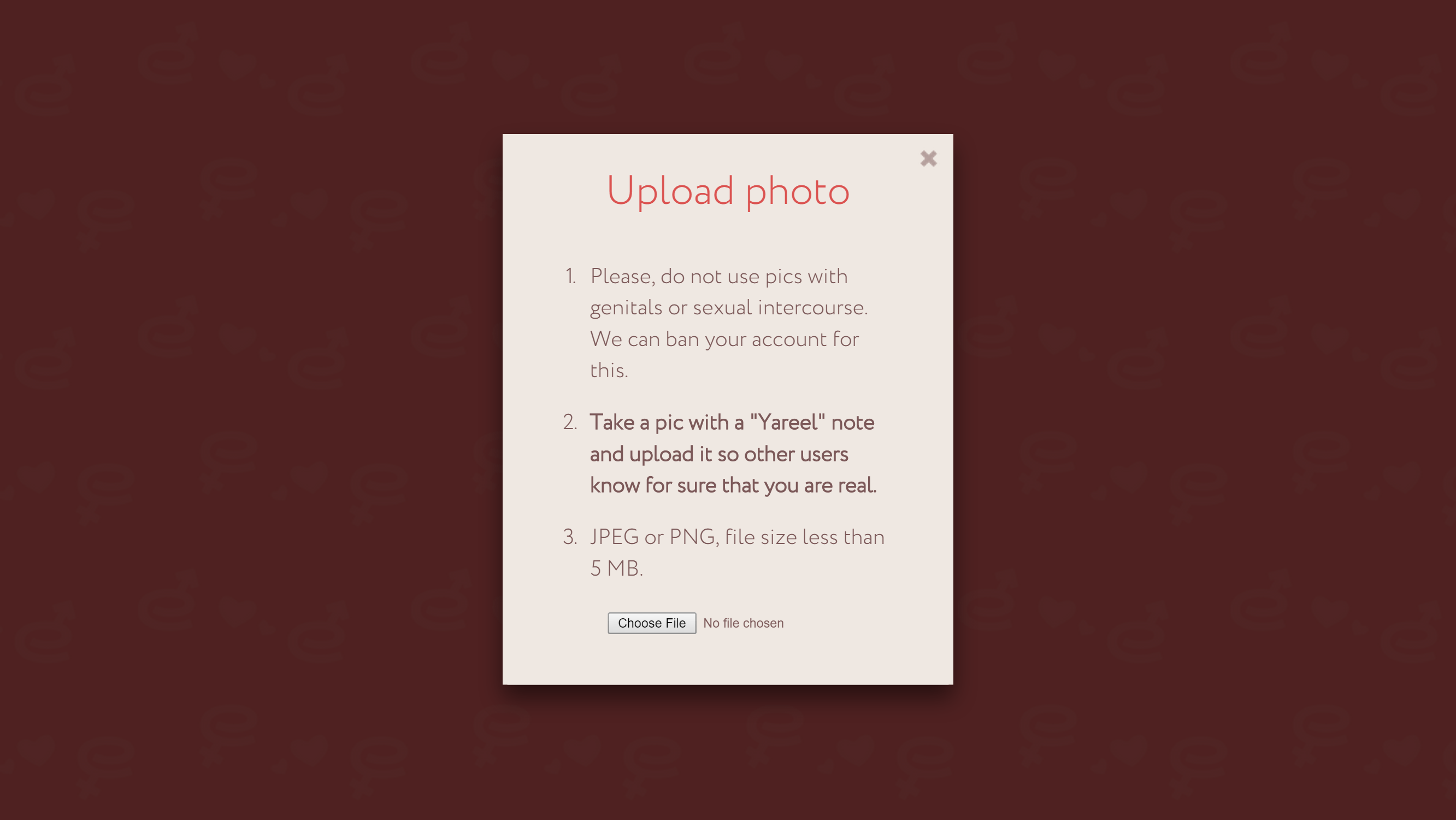
Select the photo you want to upload.
You will see a window notifying you that the photo was successfully uploaded and will appear on your profile in a few minutes.
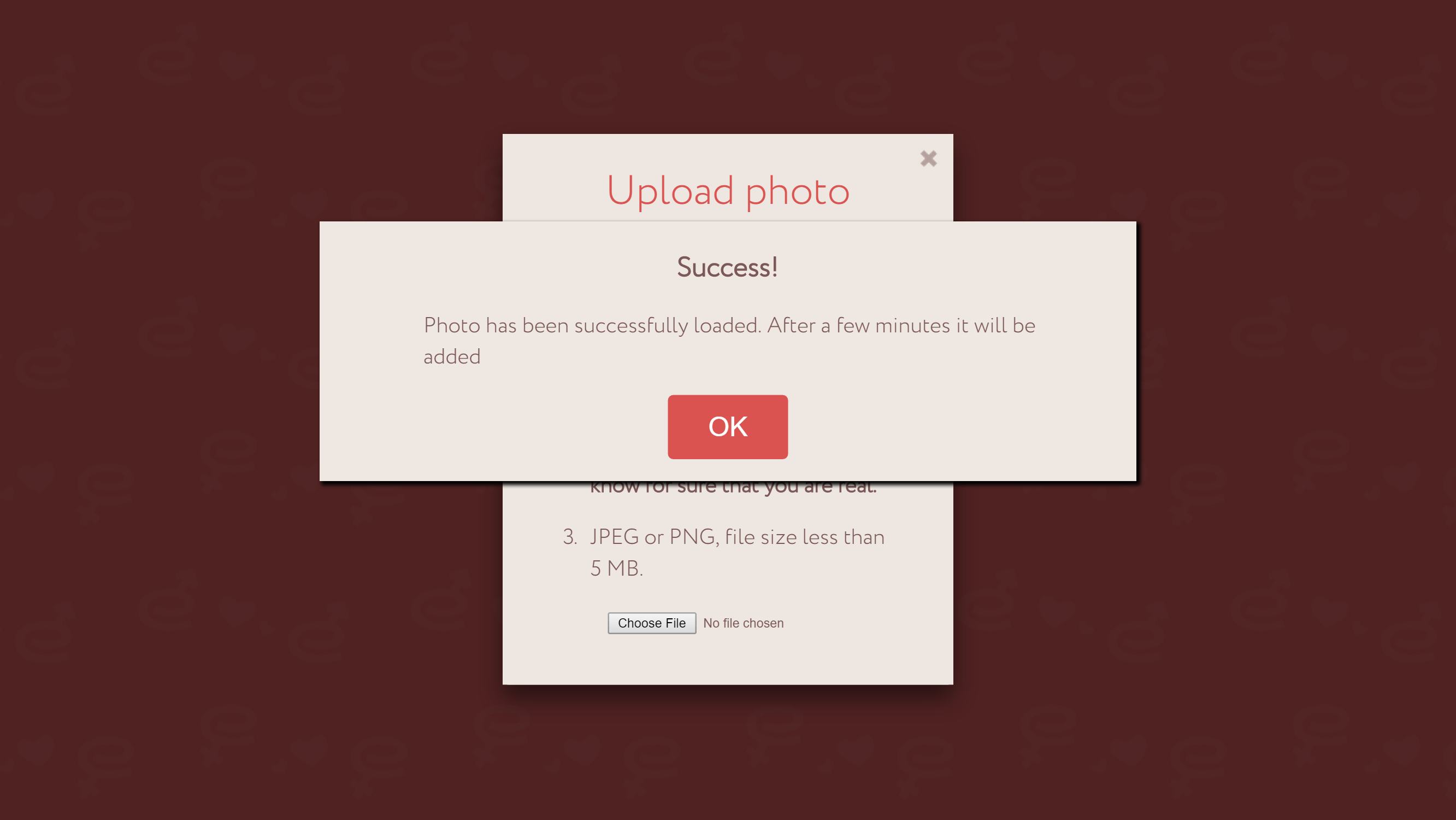
Click “OK”.