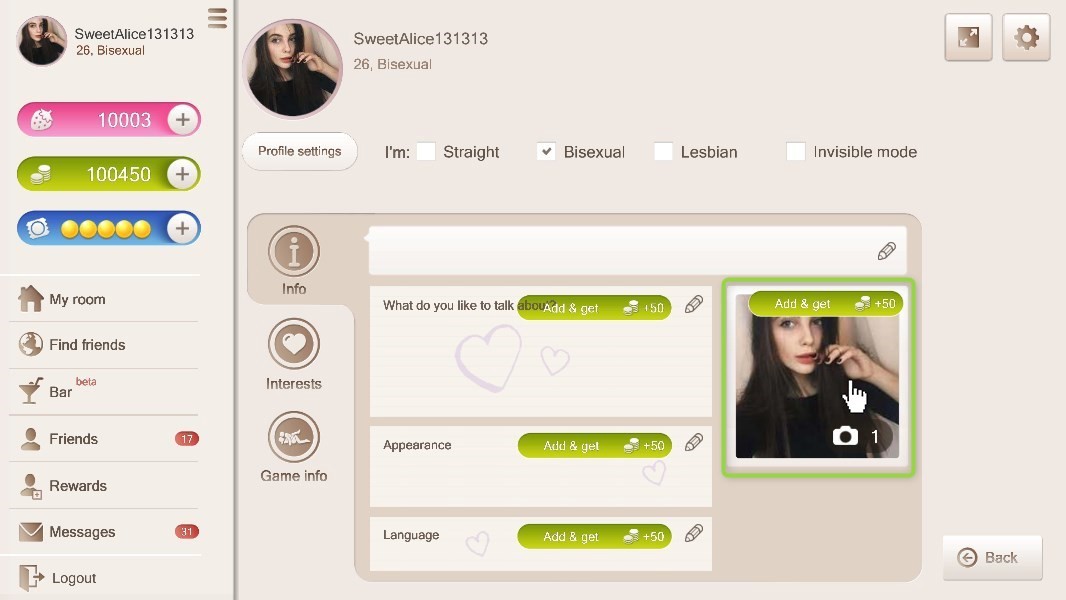
To change your profile photo, click “Info” and then click the box on the right.
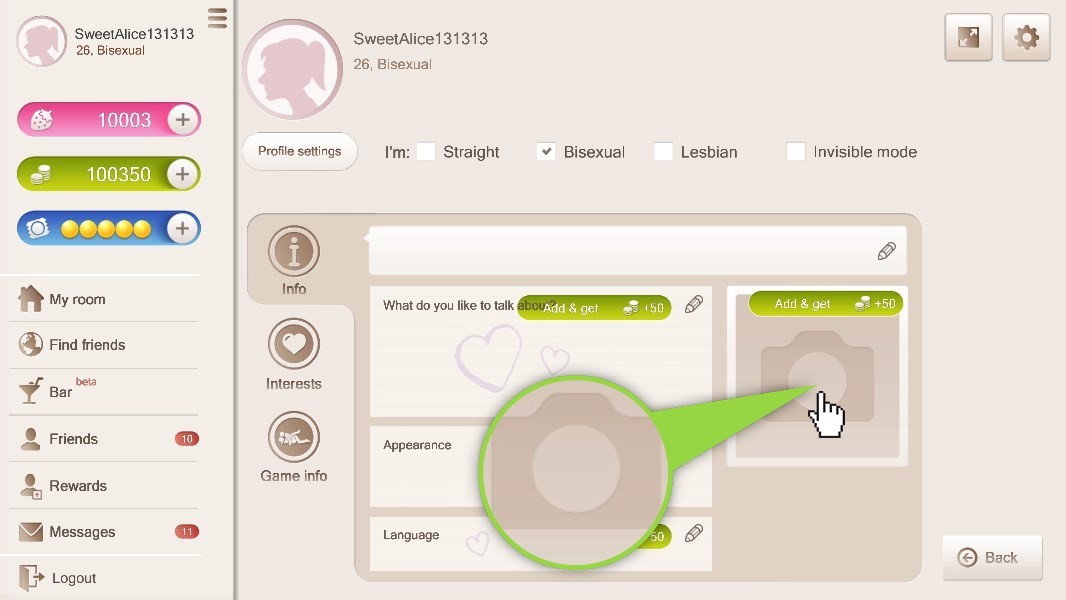
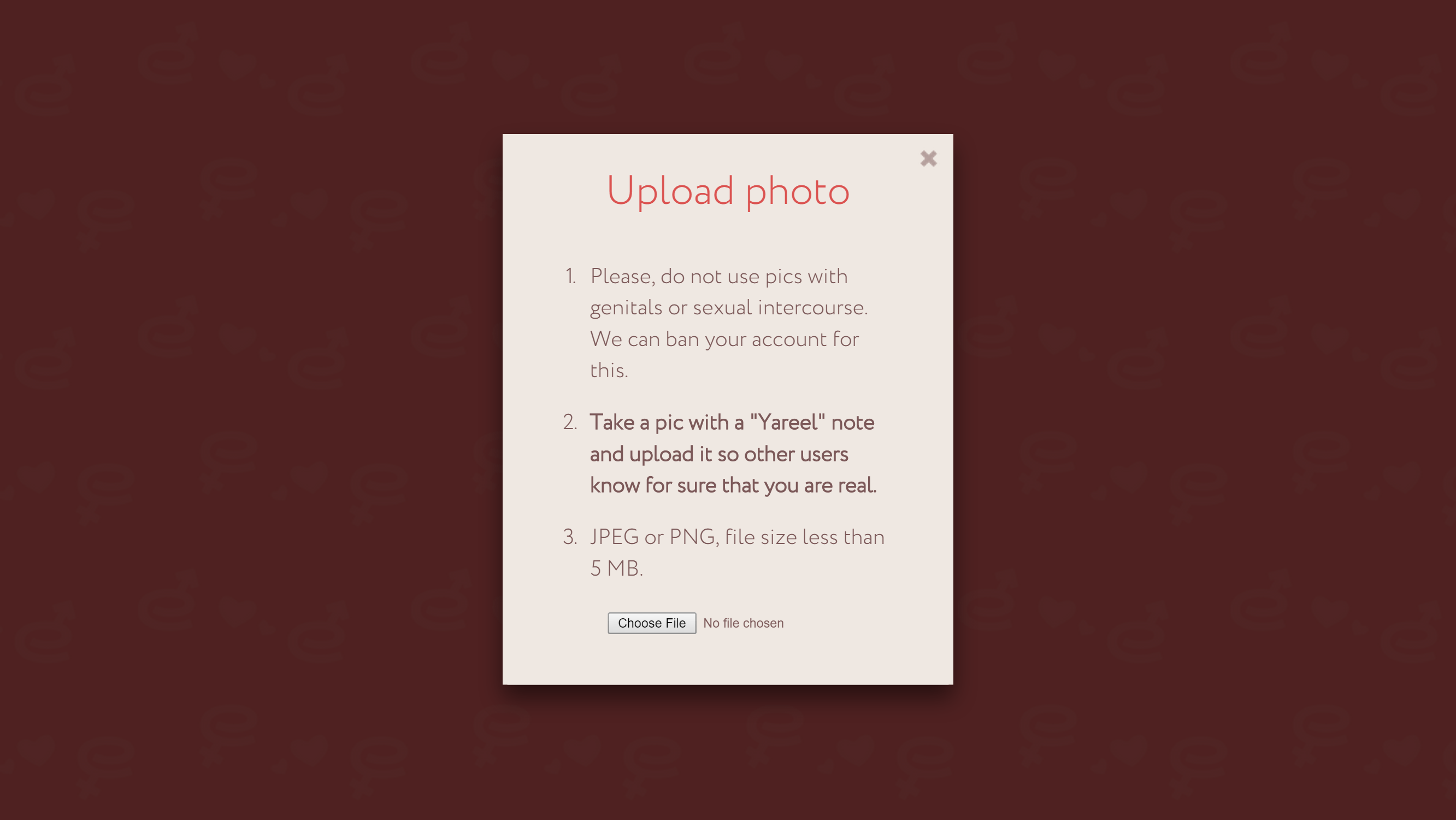
Photo upload window
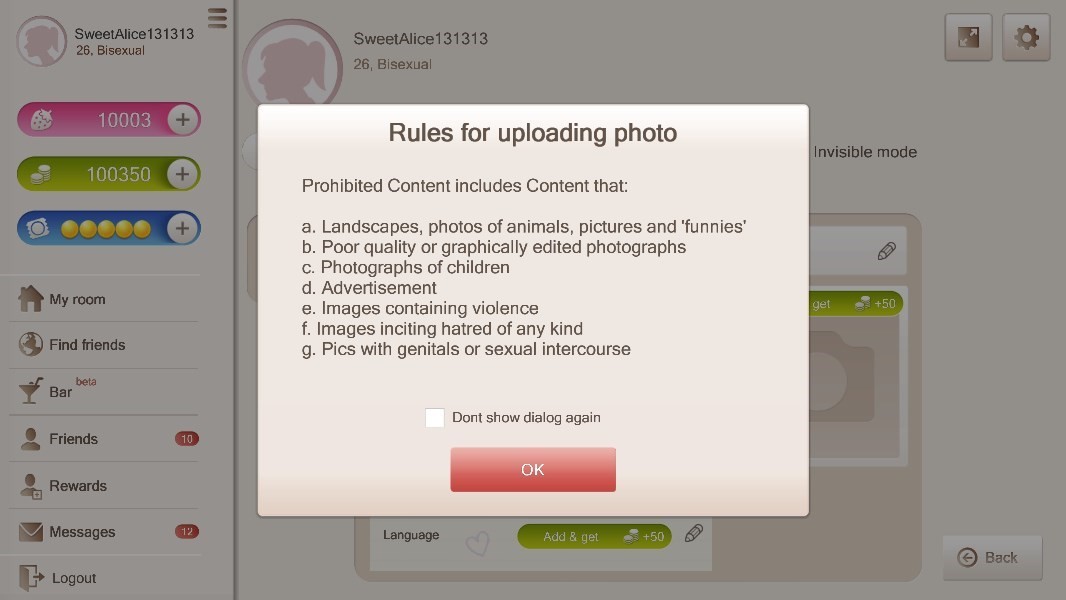
Read the photo upload rules in the pop-up window before choosing a file.
Click “Choose file” and select the photo you want to upload.
You will see a window notifying you that the photo was successfully uploaded and will appear on your profile in a few minutes.
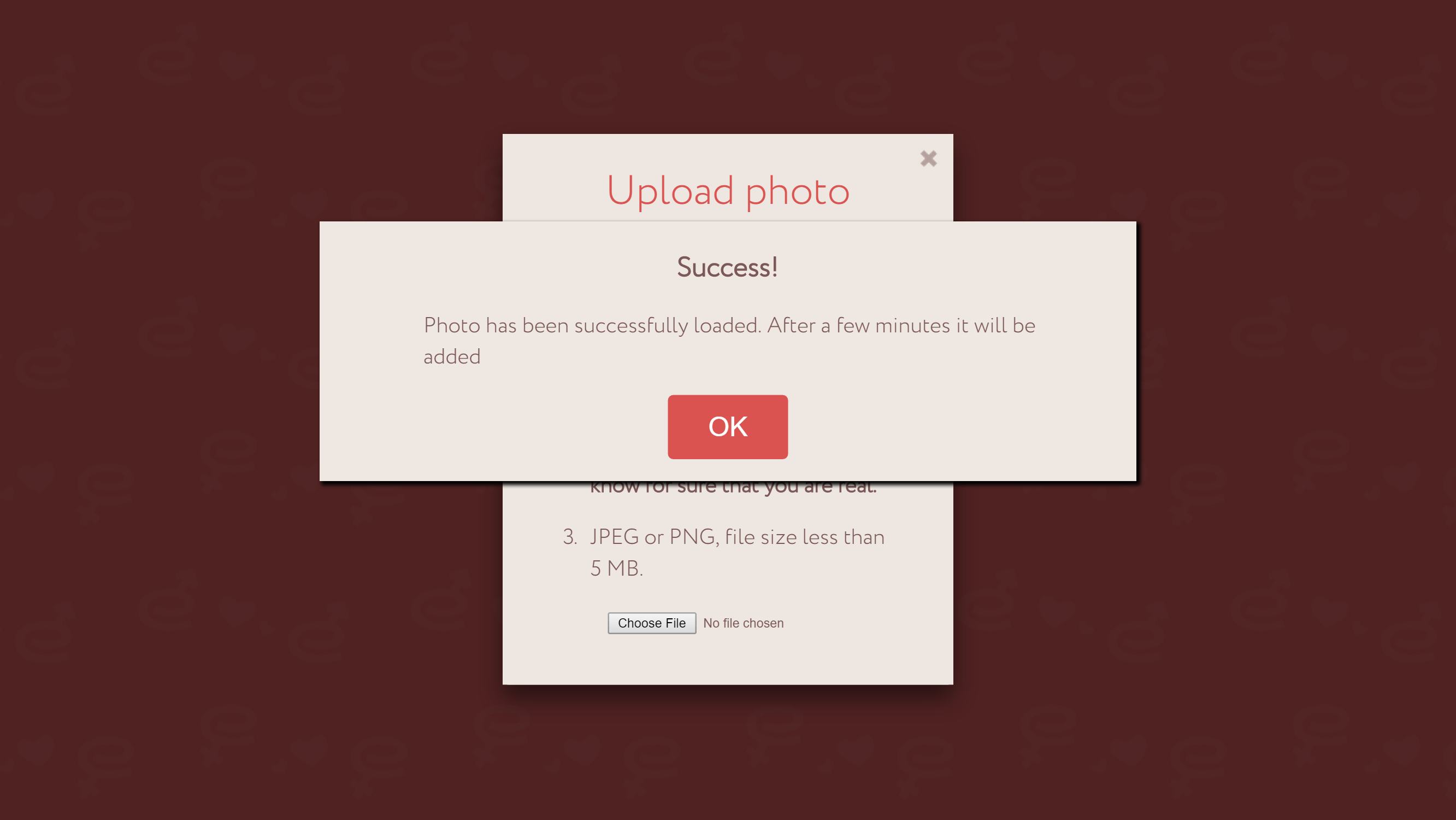
Click “OK” and go back to the game.
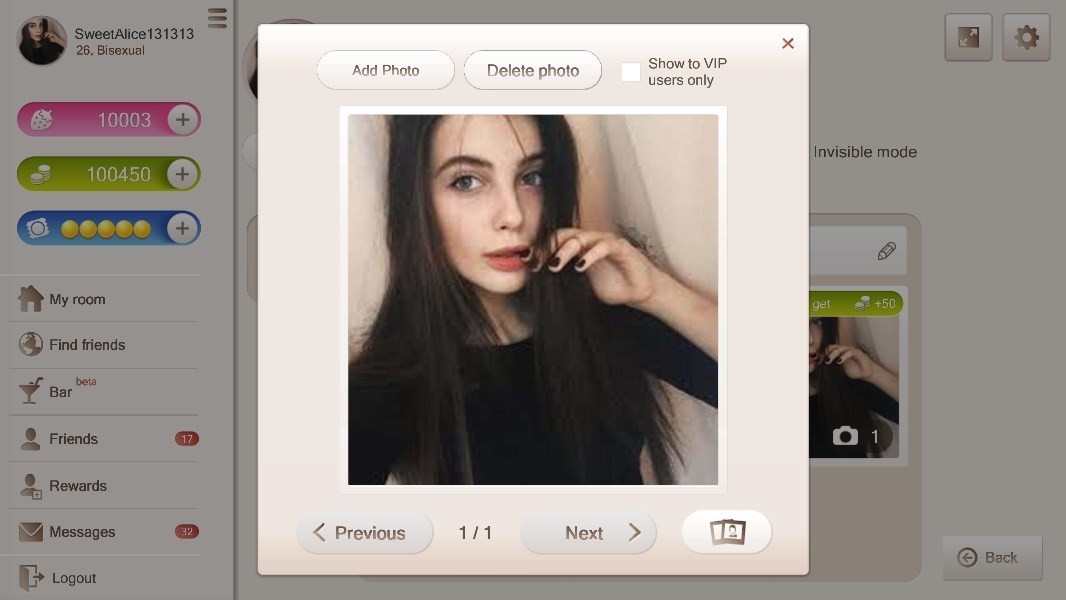
To delete or add a photo, click on your avatar on the right.
Then you will see a window where you can:
-
- Add a photo
- Delete a photo
- If you choose “Show only to VIP” option, only VIP users will see your photos
- You can see all uploaded photos